Channels Overview
Channels are how Sentinel Circle alerts you when a sensor fires. You can use several in one monitor as backup. On iPhone there are two, one of each kind:
- Alert Screen is an on-device channel. It alerts the person carrying the monitored phone, right there on the device.
- Email is a remote channel. It reaches you or another caregiver somewhere else.
Details
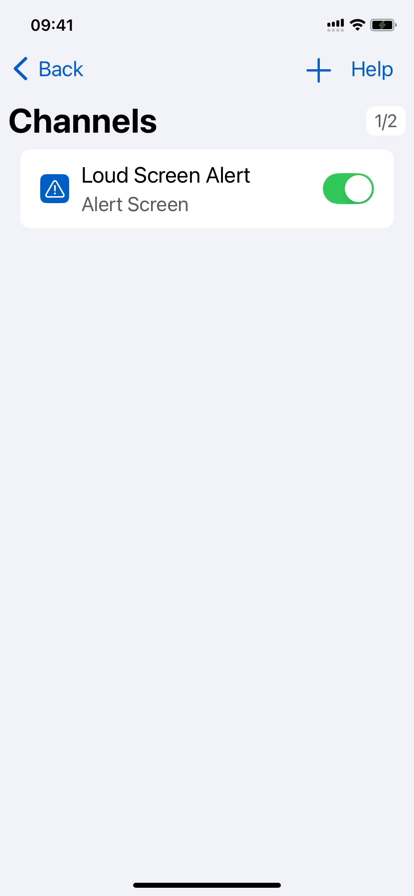
You find your channels under Settings > Channels. Tap a channel to Edit, Test or Delete it. While monitoring is running you can only view channels: testing, editing and deleting need monitoring stopped.
How retries work
- Alert Screen alerts the person on their own phone. If a monitor has more than one Alert Screen channel, the alert is still shown once.
- Email reaches other people, so it is retried separately if it fails. One bad connection won't stop the Alert Screen from showing.
- If a channel fails, Sentinel Circle tries again up to three times, waiting 5 seconds, then 30, then 60. While the phone is idle, a retry waits until the app next gets to run. Every failure is recorded in the Event Log.
- "Partly delivered" counts as failed. If an email reaches one of three recipients, the other two are what matters, so the channel is retried — which means the person who already got the message may get it again. A duplicate alert is deliberately preferred over a missing one.
Testing your channels
Every channel has a Test action so you can check it's working before you rely on it. Always test a channel right after setting it up. There's a real difference between testing it inside the editor (your unsaved draft) and testing it from this list (the saved configuration) — see Testing for the full explanation.
A passing Test does not promise that a real alert is delivered: a silenced phone, a Focus or a closed app can still stop one.
Alerts need Notifications
The Alert Screen reaches the person through iOS notifications, so Sentinel Circle needs permission to send them. See Setup Wizard & Permissions.
Reaching someone who is not nearby
The Alert Screen only appears on the monitored phone. If nobody is near that phone, nobody is told. When a monitor has no Email channel, its edit screen warns you about this. Add an Email channel so an alert also reaches a caregiver somewhere else.
The channels
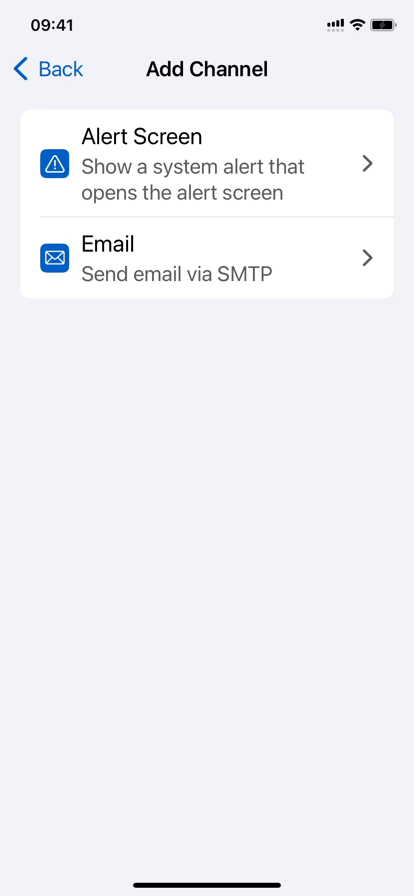
| Channel | Kind | Best for |
|---|---|---|
| Alert Screen | On-device | Reminding the person, right on their phone, to head back home |
| Remote | Non-urgent alerts and keeping a record |